





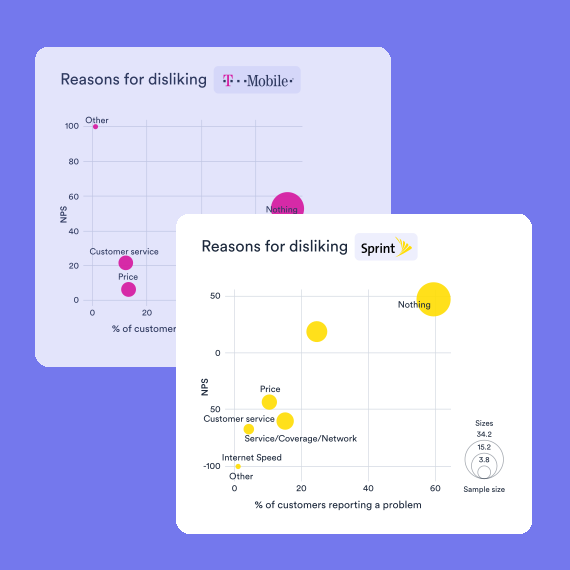
Displayr auto-updates your reports, dashboards, and PowerPoint decks when your data changes. Every table, visualization, and client dashboard refreshes instantly – weighting and stat testing intact. No code, no syntax.
Automatic updating is central to the magic of Displayr. In other survey analysis tools, updating means writing code – in Displayr, you push a button, because we’ve already written the program. And everything built on your data updates too: recodes, combined categories, filters, weights, and calculated variables all refresh with each new wave.
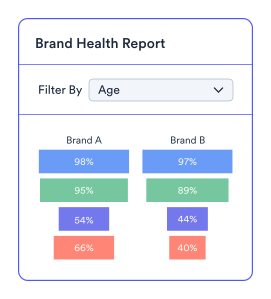
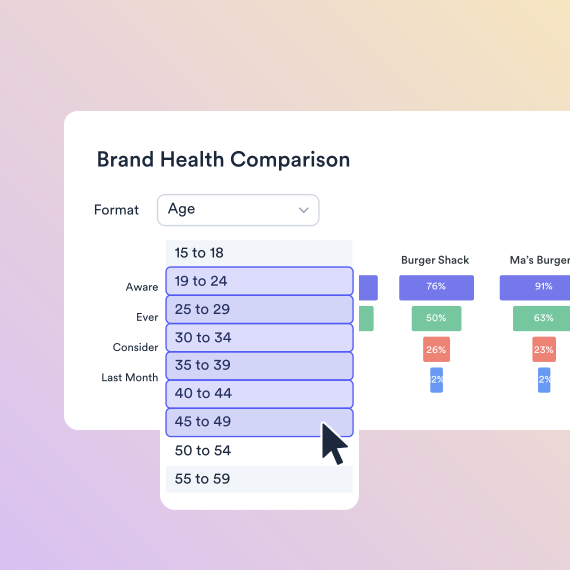
The simplest form of updating is filtering. Whether it’s a visualization or complicated machine learning model, you can automatically re-run it with a subset of the data by filtering. There’s no need to re-run it or anything. It’s entirely automated.
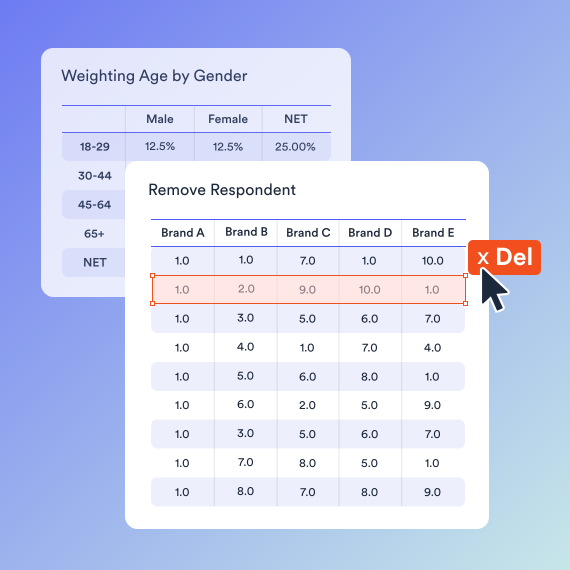
A common challenge in survey reporting is that you write 99% of the report, and then realize you need to delete a respondent or weight the data. If you are using traditional tools, you will then need to redo your work. In Displayr, when you remove the respondent or weight the data, everything updates 100% automatically. There’s no need to repeat anything other than updating your commentary.
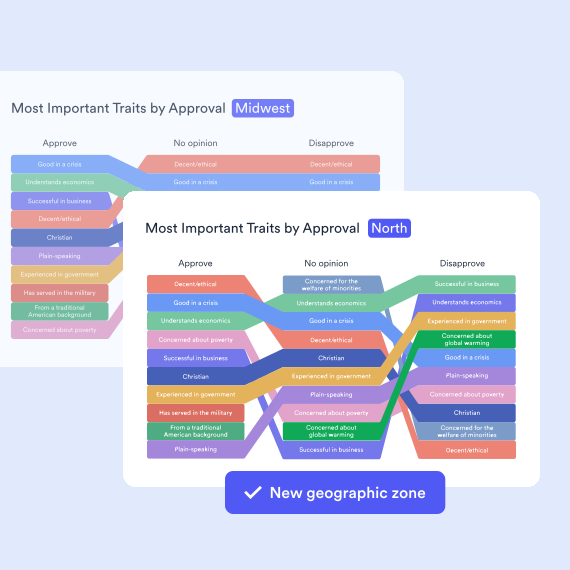
Got a new month of tracker data, or the same survey run in a new market? Swap in the new data file and everything updates – crosstabs, significance arrows, dashboards, and the PowerPoint deck. Set up wave one, and every wave after is already built. It’s automagic.
You may be repeating a previous study, perhaps just changing a few brand names and attributes. Duplicate the original report and swap the data files, hey presto, you’re done. Highly technical users especially benefit from reusing work because it means they can easily redo complicated workflows.

Managing Director, Davies Hickman

SQL, databases, Excel, CSV, text, SPSS, survey platforms, APIs, integrations, & more.
Summary tables, crosstabs, pivot tables, regression, text analysis, segmentation, machine learning, & more.
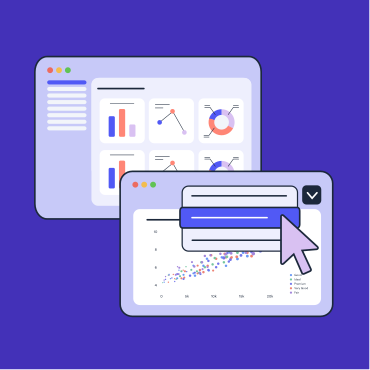
Data visualization, interactive data apps, dashboards, presentations, PowerPoint, Excel, PDF, web pages, & more.

Displayr’s Research Agents integrate AI across your full workflow, from data cleaning to analysis to reporting.
Displayr helps dunnhumby update their quarterly tracking reports 95% faster
Automatic updating ensures your data, reports, dashboards, and visualizations stay up-to-date with fresh data. This ensures accuracy, reduces the risk of error, and saves time when creating data-rich reports.
Displayr connects dashboards and PowerPoint reports to raw data sources. When this data changes—whether it’s a weekly refresh in a brand tracking study or an update in the quarterly sales report—Displayr automatically updates reports and dashboards without manual input, ensuring accurate, real-time insights.
Displayr can connect to a range of different file formats for automatic updating of reports. This includes: .xlsx, . xls, .csv, . tsv, .sav, .xml, .sss, .md.
The max file size is 1000MB.
There are many different ways market researchers can take advantage of automatic updating. Common use cases include:
The beauty of automatic updating in Displayr is that you can set the frequency of updates to suit your report. For example, if you’re reporting on dynamic financial data, you might want to update it daily. If you’re reporting on brand awareness, weekly updates should suffice. It all depends on what you need for your reports and the nature of your data.
Displayr automatically refreshes dashboards, reports, and PowerPoint exports whenever the underlying data changes. You can trigger updates manually, schedule them (hourly through to monthly), or connect a live data source. Survey-specific analysis (i.e., weighting, crosstabs, and significance testing) updates along with the visuals, so the refreshed report is analysis-correct, not just visually current.